In UI/UX design, accessibility is a very important part, especially when you want to achieve a great UX for your project.
When creating a UX design, the designer should not focus only on the legal requirements, because user experience design is more about creating digital products that everyone can use easily and without major issues.
It’s important to understand that millions of people believe that they should interact with accessible interfaces every day, including users with visual, motor, cognitive, and hearing impairments. So, when the accessibility part is being ignored, these users can struggle to navigate apps and websites even for the simplest tasks.
Even though awareness has improved in recent years, many digital products still include avoidable accessibility issues. In this article, we will look at some of the most common accessibility UX mistakes designers still make and explore practical ways to fix them.
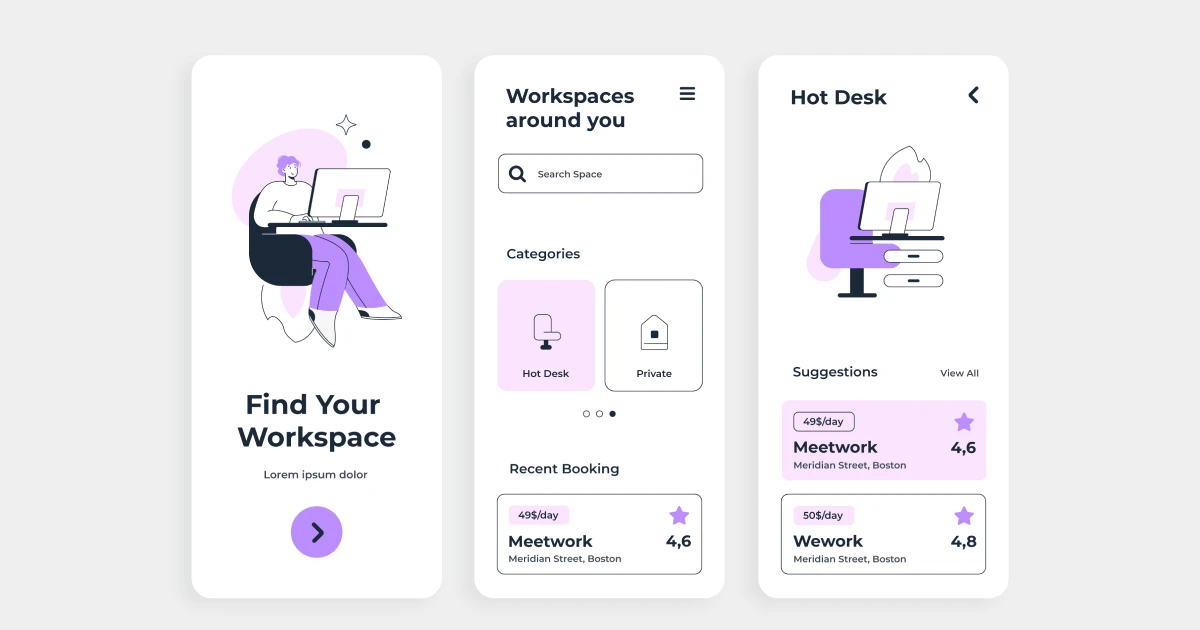
One of the most common accessibility problems in UI design is poor color contrast. Many modern interfaces use very light colors, soft gradients, or pastel palettes to create a clean and minimal look.
Even though these styles can be very visually appealing, they often make the text or any other important elements in the interface difficult to read. So, when the contrast between text and background is too low, users may struggle to understand the content.
This issue especially affects people with low vision or color vision deficiencies. If the text blends into the background, the information becomes hard or even impossible to read.
So, to create the perfect contrast ratio, as a designer, make sure you test your interface with a contrast checker tool throughout the design process. Another important practice is to avoid relying only on color to communicate meaning, such as indicating errors or status messages.
Another accessibility issue we frequently notice is missing or poorly written alt text for images.
In many interfaces, images either have no alt text at all or include very vague descriptions that do not explain their purpose. It’s important to know that this can create a serious barrier for users who are actively relying on assistive technologies.
Even more so, screen readers use alt text to describe visual content to users with visual impairments. Without clear descriptions, important information contained in images can be completely lost.
In order to improve accessibility, designers should write clear and meaningful alt text that explains the purpose of the image. If an image is purely decorative and does not add information, it should use an empty alt attribute so screen readers can skip it.
This is a very common mistake in UX design because most designers do not realize that their design is very visually appealing, but the buttons and links are very hard for users to notice.
Some designs use text that looks like regular content for buttons or remove standard link indicators, such as underlines.
While this may create a cleaner look, it can confuse users who rely on clear visual cues to navigate.
This issue is particularly challenging for users with cognitive impairments or those who navigate quickly through a page. If interactive elements are not obvious, users may miss important actions or get frustrated.
In order to fix this mistake, you should keep clear visual indicators for all clickable elements. Buttons should visually look like buttons, links should use consistent styling, and hover and focus states should be clearly visible.