In modern UI/UX design, icons have the role of communicating information effectively, improving the visual experience, and also the role of creating an accessible interface for users. It’s well-known that icons have become a standard for modern design, and they are integrated into website design and mobile apps, as well as in physical products.
Icons have multiple purposes in design, such as improving visual communications, since icons have the role of transferring information very quickly and are not limited by language barriers. When icons are included in the UI/UX design, users can understand more complex concepts in just a few seconds.
Also, icons offer navigation support and guide users between multiple interfaces to help them find various features and content without any effort. An advantage that icons can provide is aesthetic enhancement because they contribute to the visual attractiveness of the website design and manage to add style and personality to it.
Why should every UI/UX designer use Icons?
Icons can indeed offer various benefits when they are integrated into the website design, but it's crucial to understand that if they are used randomly, they can cause confusion and disorder. So you can use them to:
Simplify Complex Actions - various icons are essential to represent the most common actions or features in the simplest way possible. For example, when a UI UX designer wants to integrate an icon for the search bar feature, he can consider integrating a magnifying glass icon to represent the search intent.
To Save Space As Much As Possible - in those circumstances where the space is very limited, every UI/UX designer should consider using icons to substitute a long text label, or to save as much screen space as possible to ensure a better layout.
To improve the overall interface, icons have the power to split up those sections where text seems heavy and improve the interface to make it visually appealing for potential users.
What is an Icon Set?
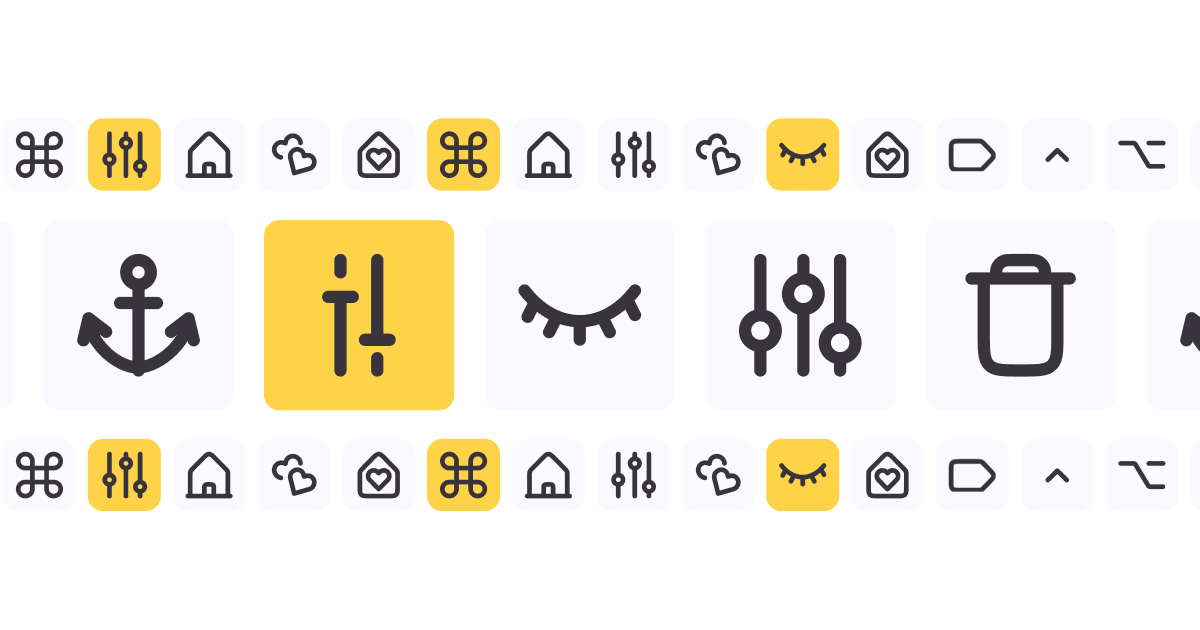
An icon set represents a group of icons that are specially designed to collaborate in a website design project to ensure visual unity. It should be mentioned that an icon set can be considered just like a font.
So, using various font styles can cause disorientation in the overall UI/UX design, and also using some icons that do not match together in an interface could make it very hard to read and understand.
When they are used correctly in UI library design, icon sets have the power to make the interface easier to use and visually appealing for users.
40% OFF
Only this February
Upgrade to UI PRO version of Uinkits Systems to unlock 23.000 UI components.
Use the code "FEB40"
What Are The Basics Of A Good Icon Set Design?
It is well known that not all of the icon sets have the same quality, and it’s important to use an icon set that has a higher quality to improve the usability and the aesthetics of your website design project.
Every UI UX designer should understand the fundamental principles of an icon set design, and here are the main requirements that a quality design icon should fulfill:
Unity - it’s important for an icon set to have unity. For example, all of the icons that are included in the icon set should look like they match together perfectly without any effort. In most cases, they should have the same weight, and the edge style should be the same on every icon; also, the color palettes should be identical.
Shape - all of the icons should have the same shape, and they must be based on the same shape. In those cases where they are not the same shape, the interface will look messy.
The Balance Between Negative and Positive Space - icons must be easy to see even at small sizes. So, when the positive space, which is the actual icon, is not balanced with the negative space, which is that blank area around the icon, the overall UI/UX design will end up combined, and it will be hard to distinguish.
Good contrast - contrasts represent the visual difference between elements in designs. If a UI/UX designer wants to provide a good contrast for the UI/UX design, they must look for those icon sets that have visible differences in elements.
Minimalism - those higher-quality icons should not be full of illustrations. It’s enough to just provide details to be easily recognizable and avoid eventual cluttering.
Top 5 Best Icon Sets
1. Pikaicons
Starting from $99, Pikaicons has more than 3,800 icons across 5 styles and represents a new icon UI library. They are specially made with stylish designs to be fully compatible with Figma’s variations, properties features.
Because they have a slightly rounded design, this icon set gives a friendly vibe, and they are the right ones for those modern and fun website interfaces.
It’s important to keep in mind that Pikaicons are constantly updated with the latest trends to match all those websites that are targeting a fun and modern target audience.
2. Hugeicons Pro
Starting from $59, this icon set has more than 27,000 icons in 7 styles. The Hugeicons Pro is an increasing UI library that is now growing in popularity. This design icon is very well made, organized into 57 categories, and in 7 styles, such as stroke, two-tone, solid, bulk, duotone, sharp, and rounded design icons.
If you are a UI UX designer who is looking for some icons for a modern UI design, the Stoke icons can be the perfect option.
Also, the team that developed this icon set has created a Figma plugin that allows users to search and customize icons to import into Figma.
3. The Icon Set
The Icon Set is the most affordable one so far, starting from $39, and has more than 5,200 icons that represent everything a UI/UX designer needs in their website designs.
The Icon Set aims to create versatile and high-quality Figma Icons that help to simplify the design thinking process and enhance the user experience.
This icon UI library is focused on ensuring a concept that is minimalist, functional, and clean, and can transform every UI/UX design into a great one with a seamless visual language. The Icon Set library provides over 5,200 Figma icons across 16 categories and 5 styles, such as Line, Duocolor, Duotone, Solid, and Thin.
It’s important to mention that these icons are customizable and allow every UI UX designer to change the color palettes, sizes, and styles to find the perfect match in the website design.
The good news is that The Icon Set offers, besides those paid packs, a free icon pack with 520 icons available to use in any website design.
Download your free pack to see if they are compatible with all your projects!
4. Nucleo Icons
Nucleo Icons represents a new launch in the market, starting from $89 with more than 5,200 icons across 2 styles.
Right now, this icon UI library is a growing collection of icons that are designed to complete the UI design. With 2 styles, Outline and Filled, Nucleo Icons aims to launch another 2 styles in the future, Duotone and Filled Duotone.
Once purchased, all Nucleo Icons can be downloaded as SVGs to be used in every UI/UX design thinking process, but it’s important to mention that these can’t be used in the Figma library.
5. Uinkits
Even if it’s not an icon set, it’s worth mentioning because Uinkits represents the perfect UI kit and design system for Figma.
It has more than 1,000 global styles and variables, 23,000+ components and variants, 320+ templates and app kits, as well as more than 5,200 icons and logos. You should know that Uinkits is the perfect tool for any UI UX designer to include in UI design.
Their price starts from $29, and they also have a UI Pro kit and one for your team. It’s important to find the best option for your future projects.
Check out the Uinkits website now and see for yourself how great these UI kits are for your future projects!
It’s important to invest in high-quality and paid icon sets to make sure that every project is visually appealing and user-friendly. Finding the right icons will not only enhance your project but, at the same time, will ensure a seamless user experience.
When selecting an icon set, every UI/UX designer should consider the project's needs, style preferences, and the budget. Whether you are working on a website design, mobile app, or just a branding project, the right icons can improve the overall experience and interface.
By choosing wisely, you can elevate your work and create interfaces that resonate with your audience.
uinkits – Our Figma Design System and UI Kits
We at uinkits understand the importance of great user experiences and creating amazing UI designs. That’s why we’ve developed a Figma UI Kit with design components that include these essential UI elements that enable you to design intuitive and user-friendly interfaces effortlessly.
“You press the button, we do the rest.” – Kodak.
Inspired by this iconic tagline from Kodak, we believe in simplifying the design process for you. Our Figma UI Kit, uinkits, is a complete design system with UI components that allows you, as a UI UX designer, to create your products as quickly as pressing a button.
Our design system includes UI components, icons, variables, cards, buttons and everything you need for your design process. All you have to do is take your UI design component needed, and you’re ready to use it in your designs!
By
Gabriel Pana
•
December 16, 2025