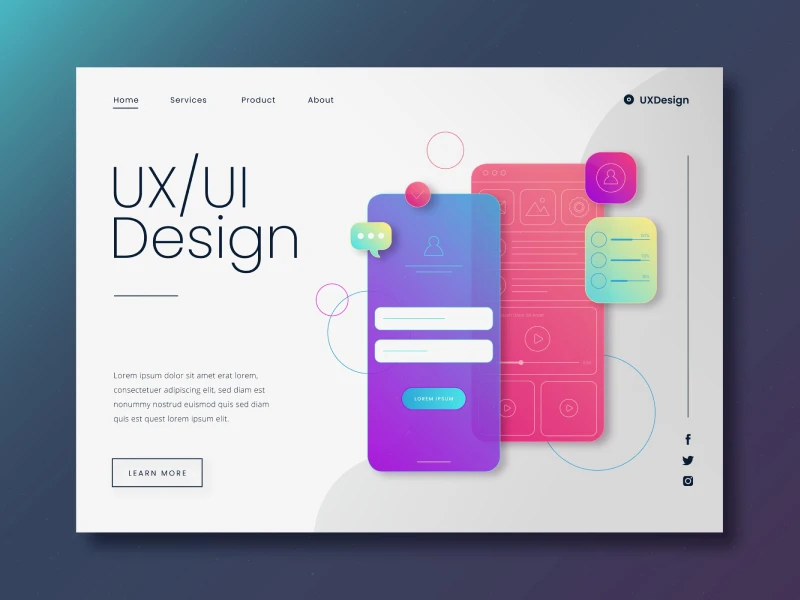
In 2025, Figma still represents a powerful standard in UI/UX design because it is more than just a design tool, but an entire ecosystem created for infinite digital creations.
Because Figma has recently launched a series of artificial intelligence-powered features, it has become a more popular tool among designers and professionals. Whether you are just starting your career in design or you are a professional but haven’t used Figma until now, this article is the perfect source for you.
Why should you choose Figma in 2025?
Well, this Figma tool is, first of all, a cloud-based tool that allows all designers and users to work easily from any device, anytime they want. Because it offers the option to collaborate with your team, every team member can work at the same time on the same project without interrupting each other.
With the addition of AI in Figma, you can speed up your workflow to focus more on the creative side of a project.
The Figma Interface
If you don’t know how to use Figma, don’t panic. Now, you can learn how it use it like a Pro.
Even if this tool is so complex and has many features, its interface is designed to keep things organized. After you create your Figma account and choose from the Free or Paid plans, you will see that in the center of the screen is Canvas. The Canvas represents the central workspace, where users arrange and draw their projects.
On the left side, you will see the Layers Panel, which is specially created to display all the elements that are in your Figma file. The Layers Panel has the role of helping you have better management of your groups, frames, and also of components.
In the bottom part of the screen, you will find the Toolbar, which offers some of the most commonly used tools for quick access, such as frames, text, shapes, and the pen tool.
Finally, on the right side of the screen, you will find the Properties panel, which allows its users to adjust different settings such as sizes, alignment, colors, typography, and so much more.
40% OFF
Only this February
Upgrade to UI PRO version of Uinkits Systems to unlock 23.000 UI components.
Use the code "FEB40"
Start your first Figma Design
Let’s start your Figma tutorial with something easy.
After you've found out more about how to use Figma, it's time to start your first project. Start by creating a new frame, directly from the Tool Bar Frame tool. Keep in mind that you can adjust the size of this Frame directly from the Canvas area, or you can select an already existing size from the Properties panel.
Also, from the Properties panel, you can choose its color, adjust the typography, and even apply some shadows and effects. You can also import different icons from your favorite libraries to make your design pop.
After you finalize your first-ever design, make sure to group all the design elements into components, because this way you will be able to reuse them on many other projects without wasting time.
How to share your projects with other team members in Figma?
This Figma tutorial will help you share your designs and projects with others. Because Figma wants to support teamwork, it makes the sharing process almost seamless. You can share your projects and files by simply sending a link and choosing what kind of access they can have. You can choose to give them access to view or edit your projects.
Learning Resources for Figma
It should be mentioned that you can’t really be a Pro in Figma design with just a single article. So, that’s why UI/UX designers and even developers and all design specialists are constantly up to date with all the improvements and tutorials.
It’s important to always know all the skills and new tools. That’s why you need more Figma learning resources.
You can check these learning resources:
- Figma for Beginners, created by Figma
Maybe this is the most comprehensive learning resource for beginners because it combines all the important information and details. Directly on the Figma website, you will find a complex course for each of the main capabilities.
- Figma Mini Course from Bring Your Own Laptop
This platform is perfect for beginners because it can combine just a few mini-courses, providing very valuable information that you need to start your first design.
This is not only for beginners, as it features some courses for UI/UX designers who already have experience in design. So, if you want to improve your existing skills, these courses will be a valuable learning resource for you.
uinkits – Our Figma Design System and UI Kits
We at uinkits understand the importance of inputs in great user experiences and creating amazing UI designs. That’s why we’ve developed a Figma UI Kit with design components that include these essential UI elements that enable you to design intuitive and user-friendly interfaces effortlessly.
“You press the button, we do the rest,” – Kodak.
Inspired by this iconic tagline from Kodak, we believe in simplifying the design process for you. Our Figma UI Kit, uinkits, is a complete design system with UI components that allows you, as a UI UX designer, to create your products as quickly as pressing a button.
Our design system includes components, icons, variables, cards, buttons, and everything you need for your design process. All you have to do is take your UI design component needed, and you’re ready to use it in your designs!
By
Cristi Fonea
•
December 3, 2025